
Start with the event and the delivery method
Before deciding that a ticket is missing, identify the event, the original ticketing provider and the delivery method shown on your order. The artist name alone is not enough: a Thomas Rhett show in one city may use a different venue account from a show elsewhere. Record the date, venue, section and seat details together. An order number identifies a transaction; it is not necessarily something a gate scanner can accept. A confirmation email can establish that a purchase was recorded while the actual admission credential follows another process.
Read the event-specific instructions rather than treating every mobile ticket as the same technology. Keep the receipt for reference and look separately for the button or instruction that opens the actual tickets. This simple distinction resolves much of the confusion before a night out begins.
Delivery delays are a stage, not a transfer failure
Ticketmaster explains that an organiser can delay access to mobile tickets; its help page directs customers to their confirmation, order or event page for the relevant release information.1 That is different from a transfer invitation sent to the wrong person. Make a note of the event’s stated delivery information and the account in which you expect the tickets to appear.
When comparing an order with a friend, compare status words as well as screenshots of the receipt. Ask whether tickets have been released, whether they have been transferred and whether the recipient can open them. Those are three different questions. If the promised release point has passed and access remains unresolved, use the provider’s official support route with the order information ready. Repeatedly buying another pair does not diagnose the original problem and can leave you with unwanted duplicate plans.
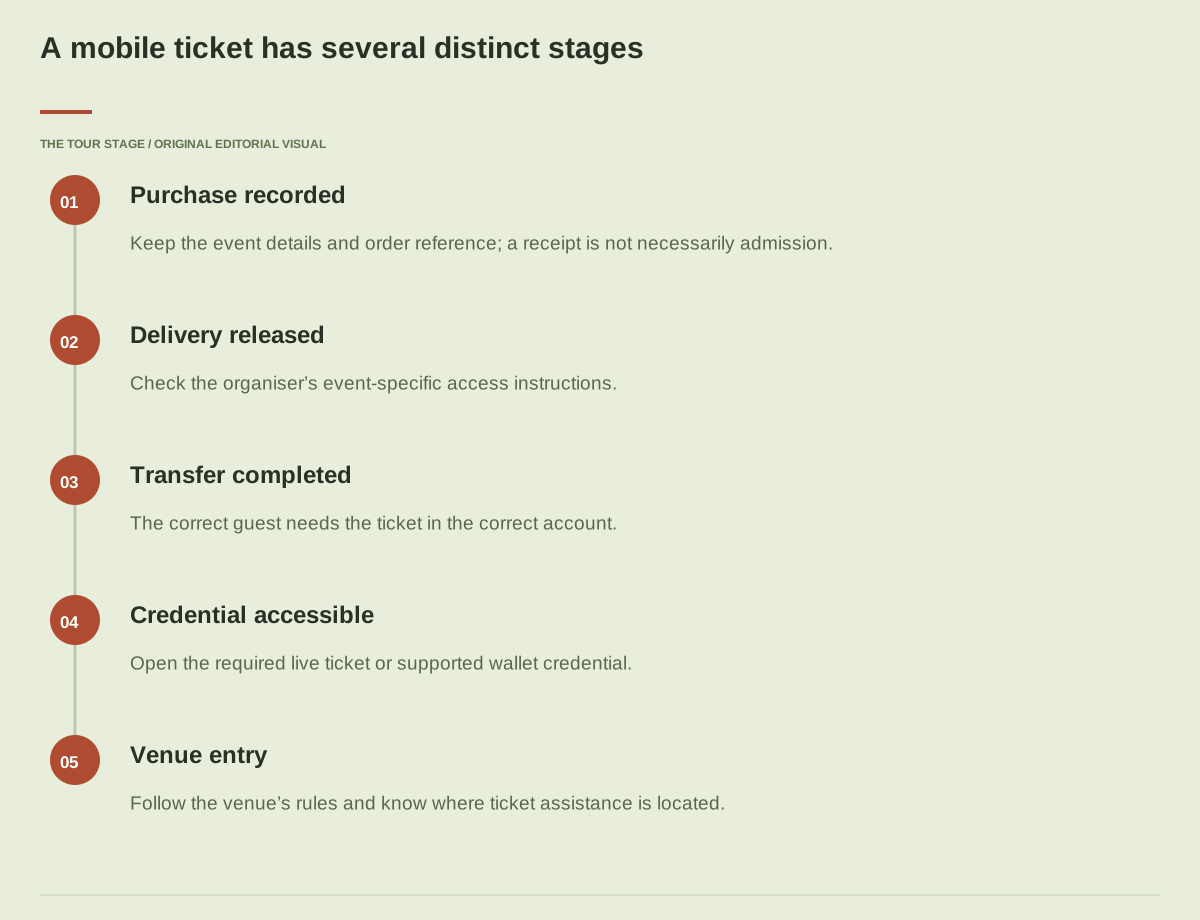
A mobile ticket has several distinct stages
- Purchase recordedKeep the event details and order reference; a receipt is not necessarily admission.
- Delivery releasedCheck the organiser’s event-specific access instructions.
- Transfer completedThe correct guest needs the ticket in the correct account.
- Credential accessibleOpen the required live ticket or supported wallet credential.
- Venue entryFollow the venue’s rules and know where ticket assistance is located.
Read the visual as text
- Purchase recordedKeep the event details and order reference; a receipt is not necessarily admission.
- Delivery releasedCheck the organiser’s event-specific access instructions.
- Transfer completedThe correct guest needs the ticket in the correct account.
- Credential accessibleOpen the required live ticket or supported wallet credential.
- Venue entryFollow the venue’s rules and know where ticket assistance is located.
A transfer invitation needs the right recipient
A transferred ticket is a controlled handoff through a ticketing system, not a forwarded photograph. In Ticketmaster’s process, the sender can see statuses such as sent or waiting to accept, and the recipient must complete the appropriate acceptance process.2 Confirm the destination email or telephone number with your guest before sending, particularly if that person uses separate work and personal accounts.
The most useful test is on the recipient’s device: can they sign in and display the ticket for this event? A message saying that something was sent establishes only part of the journey. Check seat numbers when splitting a group so that each person receives the intended admission. Keep a short record of who has which ticket. That makes a later correction much easier than reconstructing the distribution from a busy group conversation outside the gates.
AXS Mobile ID follows its own account rules
AXS explains that Mobile ID uses a refreshing QR code in its app, and that a screenshot or printout is not a substitute for that credential.3 Its transfer guidance distinguishes recipients who already have the matching AXS account from those who need to create one to claim tickets.4 Do not assume that the acceptance screen or sequence will look identical to another provider’s.
Download the correct app and establish access before leaving home. Match the sign-in email with the address used for the ticket or transfer. Then open the actual event inside the account rather than relying on an invitation remaining in an inbox. If a transfer control is unavailable, read the event’s restrictions and release instructions. An inactive control can be an event rule; it does not prove that a different person can bypass the same limitation.
The venue has the final practical entry instructions
The Ryman’s AXS Mobile ID FAQ is a useful venue-specific example: it describes app entry, group arrivals and box-office assistance for people without smartphone access.5 These are Ryman instructions, not a promise about every arena or festival. A Kane Brown arena ticket or a Jason Aldean amphitheatre ticket still needs its own venue check.
Read the venue’s current entry page for approved ticket presentation, identification requirements where applicable and the location of the box office. Separate this from bag and security policies: possessing the correct ticket does not answer what you may bring inside. The first-concert planning guide brings those decisions together. Make a plan for obtaining help before the support act begins, rather than arriving at the scan point with an unresolved account problem.
Prepare the device, then prepare the group
Open your ticket while you still have time to resolve a password reset or app update. Charge the phone, check that the relevant account stays accessible and follow the provider’s instructions for any supported wallet option. Do not assume a wallet feature exists for every ticket type. Bring an allowed charging solution if it suits your trip, and keep booking references somewhere you can retrieve without searching a long message history.
For a group arriving separately, allocate tickets through the supported transfer process before departure when available. If the event requires everyone to enter together, agree on a meeting point and a realistic arrival window. A ticket plan should match the group’s actual movements. One person holding every ticket can work smoothly for a group travelling together and become awkward when friends are entering from different sides of a large venue.
Troubleshoot one stage at a time
When something goes wrong, describe the exact stage: purchase not visible, ticket not released, invitation not received, acceptance incomplete, wrong account or credential not opening. Include the event date and order reference when contacting official support, but avoid posting barcodes or sensitive account details publicly. Start from the provider or venue’s own site to locate help.
Try the checks that relate to the failure rather than a random sequence of app reinstallations. If an invitation went to an address you do not control, contact the sender. If the order belongs to a venue-specific account, signing into an unrelated general account will not locate it. If the credential opens but the seat details differ from the intended purchase, stop and resolve that mismatch. Clear, specific information is more useful to support staff than the broad statement that the ticket does not work.
Keep a compact entry checklist
Before travelling, answer five questions: is this the right event, has ticket access been released, is the ticket in the correct person’s account, can that person open the required credential, and do you know where to obtain venue help? Write down anything that still requires action. For a shared itinerary, place the check beside the journey and arrival blocks rather than burying it among restaurant ideas.
The concert-weekend template gives these details a home. Recheck the event shortly before departure for timing or entry updates. A well-prepared mobile ticket is one small part of a relaxed evening: once it is ready, you can focus on the opening performance and the people you came with.
Sources & further reading
- Ticketmaster: accessing delayed mobile ticketsEvent-specific release information.
- Ticketmaster: Ticket TransferTransfer and acceptance status.
- AXS: app requirement for Mobile IDRefreshing QR credential and screenshot limits.
- AXS: Transfer and ShareAccount claiming and event restrictions.
- Ryman: AXS Mobile ID FAQVenue-specific entry and assistance example.